 SEO & AI Search
On this page
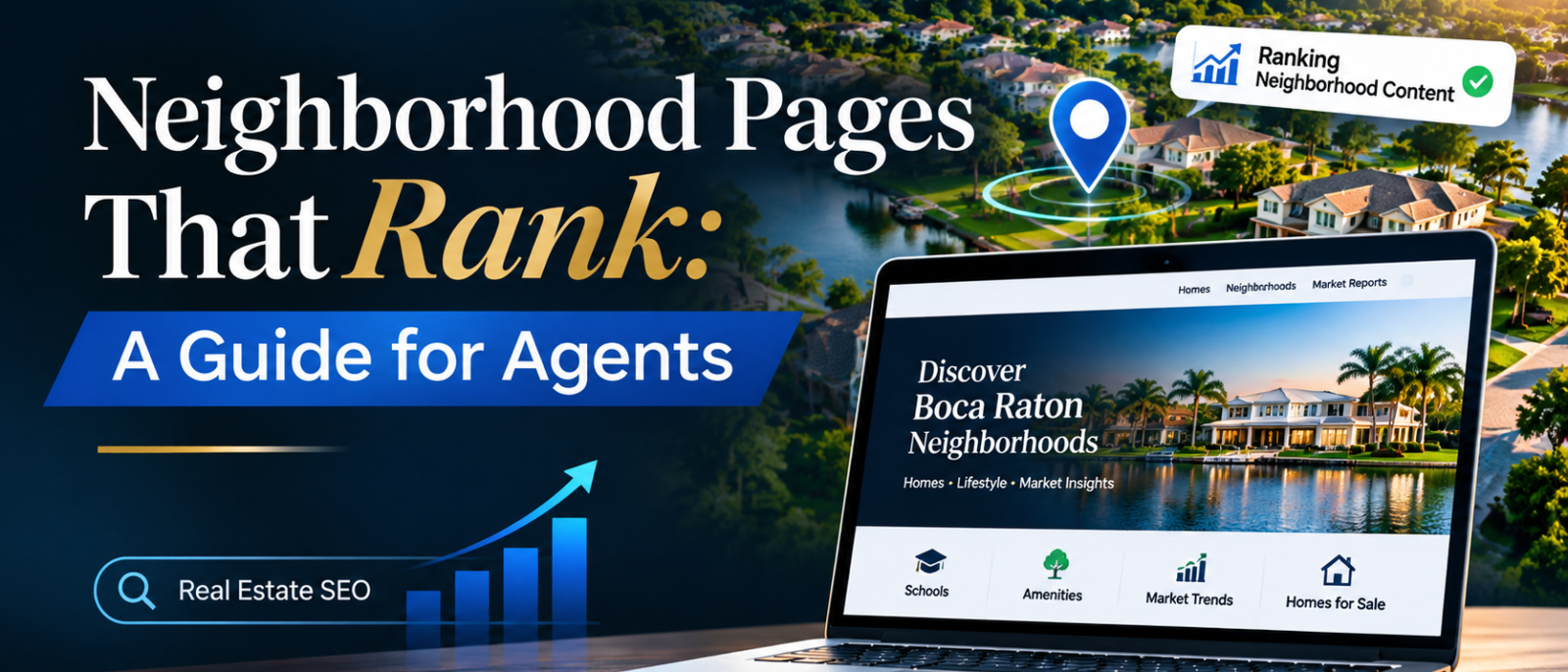
Neighborhood pages are one of the few places a solo agent can beat a billion-dollar portal on Google. Search “homes for sale” and the portals win, every time. Search “living in” followed by a neighborhood, and the right local agent can outrank all of them, as long as the page is written by someone who actually knows the streets.
Key takeaways
- Target the questions people ask before they search listings: what it’s like to live there, what homes cost, how long the commute is.
- First-hand detail, your own photos and current market data separate neighborhood pages that rank from templated ones.
- Embed live listings for the area, link your pages together and update them every quarter.
Why neighborhood pages work
Buyers research areas long before they pick a house, and especially when they are relocating. Searches like “best neighborhoods in [city]”, “living in [neighborhood]” or “[neighborhood] vs [neighborhood]” come from people early in their search, often months before they choose an agent. The portals’ area pages are mostly data. Your neighborhood pages can be a real guide.
Google’s guidance on helpful, people-first content rewards exactly what you have: first-hand experience. AI assistants work the same way, quoting specific, verifiable local detail rather than generic text. If you haven’t read it yet, see how to get your real estate business mentioned in AI search.
Choose the right neighborhoods first
- Start with 5 to 10 areas where you sell most or want to sell more. Depth beats breadth.
- Use the names people search. Check Google’s autocomplete, the “People also ask” box and the queries in your Search Console Performance report.
- One page per real place. A recognized neighborhood, town or condo building deserves its own page. A tiny subdivision may be better as a section on a larger page.
- Avoid near-duplicate pages. Google’s spam policies treat sets of almost identical pages made only to rank for each city or area as doorway pages. Every page has to be genuinely different and useful.
What to put on neighborhood pages
- An honest introduction. Two or three paragraphs on what daily life is like: the housing, the streets, walkability, parks and what sets it apart from nearby areas.
- A market snapshot. Median sale price, days on market and price per square foot, with the source and month, for example “Source: [your MLS], [month and year]”.
- Homes and prices by type. What a buyer gets for their budget: condos, townhomes, single-family homes, new builds, waterfront.
- Schools. List the public school districts and nearby schools with links to official district websites, and let buyers draw their own conclusions.
- Getting around. Typical drive or transit times to downtown, major employers and the airport.
- Things to do. Your own picks for parks, restaurants and local events. This is where your experience shows.
- Live listings. An IDX search or listing feed filtered to the neighborhood, so the page is useful today, not just informative.
- Your photos and a short video. Original images beat stock photos for both visitors and search engines.
- A short FAQ. Three to five questions buyers really ask about the area.
- One clear call to action. “Get new listings in [neighborhood]” with a saved search sign-up works better than a generic contact form.
Describe the property and the place, not the people who should live there.
A note on Fair Housing: describe facts about homes and amenities, and avoid wording that suggests who should or shouldn’t live somewhere, such as “perfect for young families” or “great for retirees”. Phrases like these can be read as steering under Fair Housing rules, which HUD explains on its Fair Housing pages. Link to official school data rather than ranking schools yourself.
Write neighborhood pages so Google and AI can quote them
- Use question-style headings such as “What are homes in [neighborhood] worth?” and answer in the first sentence below each one.
- Write a clear title tag, for example “Living in [Neighborhood], [City]: Homes, Prices and Local Guide”, plus a meta description that promises something specific.
- Use a clean URL such as /communities/[neighborhood]/.
- Add structured data for the page, the place and the FAQ, so search engines and AI tools understand what the page covers.
- Keep facts consistent with your Google Business Profile and other listings, especially your service areas.
Connect your neighborhood pages
Create a Communities hub page that links to every neighborhood page, and link each neighborhood to its neighbors (“Also consider [nearby area]”). Link to these pages from relevant blog posts, market reports and listing pages. Internal links help visitors explore and help search engines understand how your local content fits together.
Keep neighborhood pages fresh
Set a quarterly reminder to update market numbers, add recent sales and refresh photos. Show an “Updated [month and year]” line near the top. Fresh, accurate pages earn trust from visitors and search engines, and an outdated median price is the fastest way to lose both.
A neighborhood page template you can copy
- H1: Living in [Neighborhood], [City]
- Introduction with your one-sentence summary of the area
- Market snapshot (with source and date)
- Homes and prices by type
- Schools (with links to official sources)
- Getting around
- Things to do (your picks)
- Homes for sale in [Neighborhood] (live IDX listings)
- Frequently asked questions
- Call to action: get new listings or book a neighborhood tour
Frequently asked questions
How long should neighborhood pages be?
Long enough to answer the questions a buyer has. Most strong pages run 800 to 1,500 words plus listings, photos and a map. Useful beats long.
How many neighborhood pages should I create?
Start with 5 to 10 high-quality pages for the areas you know best, then add one or two a month. Ten excellent pages outperform a hundred thin ones.
Can I use AI to write neighborhood pages?
AI can help with structure and editing, but the value of the page is your first-hand knowledge. Generic AI text adds little and can include mistakes, so check every fact and write the local detail yourself.
Do IDX listings on neighborhood pages help them rank?
They make the page more useful, which helps engagement and leads. The ranking power comes from your original content. See Do IDX listings help your SEO?
The bottom line
Neighborhood pages are where your local knowledge becomes search visibility. Pick the areas you know best, write what only you can write, add live listings and keep the numbers current. If you would like help, our SEO, GEO and AEO plans include neighborhood pages written and built for you.

Founder of Agent View Digital, Real Estate Website developer and IDX Broker developer partner. He builds real estate websites, IDX search and lead automation for agents, teams and brokerages.
More about us