 IDX & MLS
On this page
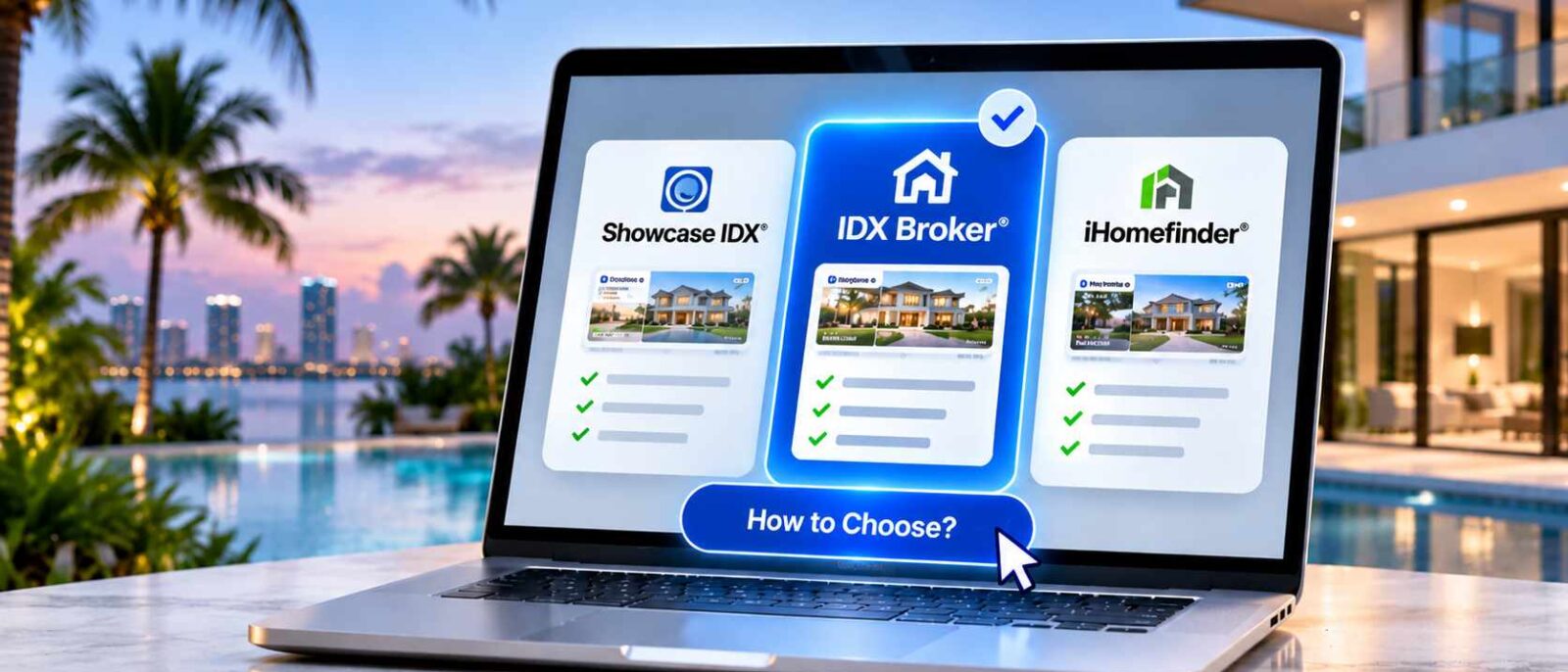
IDX Broker vs Showcase IDX is the choice behind every agent website we build, and the wrong pick shows up every day: search pages that look bolted on, leads that never reach your CRM, listing pages Google ignores. Choose the right one and your website becomes the search your buyers actually use. We set up and customize all three providers, including iHomefinder, for agents, teams and brokerages. Here is how they really compare.
Key takeaways
- All three use the same MLS data. In IDX Broker vs Showcase IDX (and iHomefinder), the real differences are where listing pages live, how much design control you get, the lead tools and how they connect to your CRM.
- IDX Broker is the most flexible for custom designs, brokerages and non-WordPress websites. Showcase IDX and iHomefinder run inside WordPress and show listings on your own domain.
- Before you sign, confirm MLS coverage, CRM connections, contract terms and the full monthly cost, including any MLS feed fees.
First, what an IDX provider actually does
IDX (Internet Data Exchange) is the set of MLS rules that lets brokers and agents show each other’s listings on their own websites. An IDX provider takes the MLS data feed, keeps it updated, applies your MLS’s display rules and disclaimers, and gives you search pages, listing pages and lead capture tools.
Two things are true whichever provider you choose. Your MLS has to approve the feed, which usually needs your broker’s sign-off and sometimes an MLS fee. And the provider has to support your MLS, so check that first. If you work across several MLSs, check every one. The IDX Broker vs Showcase IDX decision starts with that feed.
IDX Broker vs Showcase IDX: the four questions that decide it
- Does it cover your MLS? Coverage varies by provider and region. No coverage, no deal.
- Where do listing pages live? On a subdomain such as search.yoursite.com, in an embedded frame, or as real pages on your own domain. This affects design and SEO.
- How much design control do you need? A proven template may be fine for a solo agent. A luxury brand or brokerage usually needs custom search and results pages.
- Where do the leads go, and what is the all-in cost? Built-in lead tools are useful, but most agents want leads in the CRM they already use. Add up the provider fee, any MLS fees and add-ons.
IDX Broker: flexibility and custom design
IDX Broker is a hosted IDX platform that works with almost any website. Its search and listing pages usually live on a subdomain of your site and pick up your header, footer and styles through a “wrapper”, while widgets and shortcodes (including the IMPress plugin for WordPress) place search forms and listing showcases on your own pages.
- Strengths: works on WordPress, Wix, Squarespace, GoHighLevel and custom sites; deep control over search and results pages through custom templates; features for teams and brokerages, such as agent accounts and lead assignment; built-in lead management; API access on its higher plans.
- Consider: listing pages on a subdomain carry less SEO weight for your main domain than on-domain pages, and getting a truly seamless look takes design work on the wrapper and templates.
- Best fit: teams, brokerages, luxury brands that want custom-designed search pages, and anyone not on WordPress.
Custom IDX Broker templates are one of our specialties. A branded results grid, a half-map search or a step-by-step search can make IDX feel like part of your site rather than a separate product.
Showcase IDX: map search and SEO pages inside WordPress
Showcase IDX is built for WordPress. It installs as a plugin and creates listing and search pages on your own domain, with a polished map search that buyers find easy to use.
- Strengths: listing pages on your domain; strong map search, including drawing a search area; saved search pages you can turn into neighborhood or niche pages; built-in connections to many CRMs.
- Consider: WordPress only, and design control is mostly through its settings and your theme rather than fully custom templates.
- Best fit: solo agents and small teams on WordPress who want a great search experience and on-domain listing pages without heavy customization.
iHomefinder: an all-rounder with built-in marketing
iHomefinder offers IDX for WordPress through its Optima Express plugin, along with options for other platforms. Listing pages display on your domain, and it bundles lead capture, a built-in CRM and email marketing tools such as listing alerts and market reports.
- Strengths: listing pages on your domain in WordPress; built-in CRM and email marketing for agents without a separate CRM; market report tools; plans for agents and brokerages.
- Consider: if you already use Follow Up Boss or GoHighLevel, check exactly which activity syncs, so you are not managing leads in two places.
- Best fit: agents who want IDX and basic marketing automation in one subscription.
IDX Broker vs Showcase IDX vs iHomefinder side by side
| IDX Broker | Showcase IDX | iHomefinder | |
|---|---|---|---|
| Where listing pages live | Subdomain with a wrapper, plus widgets on your pages | Your domain (WordPress) | Your domain (WordPress plugin) |
| Website platforms | Almost any | WordPress | WordPress, plus options for other platforms |
| Design control | High, with custom templates | Medium, through settings and theme | Medium, through settings and theme |
| Built-in lead tools | Lead management | Lead capture and alerts | CRM and email marketing |
| Strongest fit | Teams, brokerages, custom designs | Solo agents wanting great map search | Agents wanting an all-in-one |
Features and plans change, so confirm the details for your MLS and plan level before you commit to IDX Broker vs Showcase IDX or any other provider.
IDX Broker vs Showcase IDX: which one we recommend, by situation
- Solo agent on WordPress, focused on search and SEO: Showcase IDX or iHomefinder, paired with strong neighborhood pages.
- Team or brokerage with agent accounts and lead routing: IDX Broker, with custom templates and CRM integration.
- Luxury brand that needs a distinctive look: IDX Broker with custom-designed search and results pages.
- Website on Wix, Squarespace or GoHighLevel: IDX Broker, or a move to WordPress if you want on-domain listing pages. See moving from Wix to WordPress without losing rankings.
- Your brokerage already provides IDX: start there. We can design around it, and you can move later if it holds you back.
Questions to ask before you sign
- Is there a setup fee, a minimum term or a cancellation notice period?
- Does my MLS charge its own IDX or data feed fee?
- Can I show sold listings, and for how long?
- Which CRMs connect directly, and what activity syncs: registrations, saved searches, favorites, property views?
- Can I export my leads and saved searches if I leave?
- Can agents on my team have their own search links and leads?
Frequently asked questions
IDX Broker vs Showcase IDX: which is best for SEO?
On-domain listing pages give you more SEO potential than a subdomain or embedded frame, which favors Showcase IDX and iHomefinder in WordPress. But listing pages rarely outrank the portals on their own, because the same listing appears on hundreds of websites. Neighborhood pages and local content matter more. Our article Do IDX listings help your SEO? explains why.
Can I switch IDX providers later?
Yes. Moving from IDX Broker vs Showcase IDX or iHomefinder, in either direction, works the same way: export your leads and saved searches first, then plan redirects for any indexed listing or search pages so you don’t send visitors and search engines to dead links.
Do I need my broker’s permission for IDX?
In most MLSs, yes. IDX access runs through a participating broker, so your broker usually signs the MLS agreement or approves your feed.
Which IDX works best with Follow Up Boss?
All three can send leads to Follow Up Boss, through a built-in connection, lead emails, Zapier or the provider’s API, depending on the provider and plan. See how to send IDX sign-ups to Follow Up Boss.
The bottom line
There is no single winner in IDX Broker vs Showcase IDX, only the best fit for your MLS, your website platform and how you work leads. Decide where your listing pages should live, how custom the design needs to be and which CRM must receive every lead, and the choice usually makes itself. If you want help, our IDX and MLS integration service covers setup, design and CRM connection.

Founder of Agent View Digital, Real Estate Website developer and IDX Broker developer partner. He builds real estate websites, IDX search and lead automation for agents, teams and brokerages.
More about us